Downloads
Product brochures and step-by-step guides for our Olympyx scoreboard software and the iCatcher Scoreboard & Sign App. Free to download, print and share with your committee.
Brochures
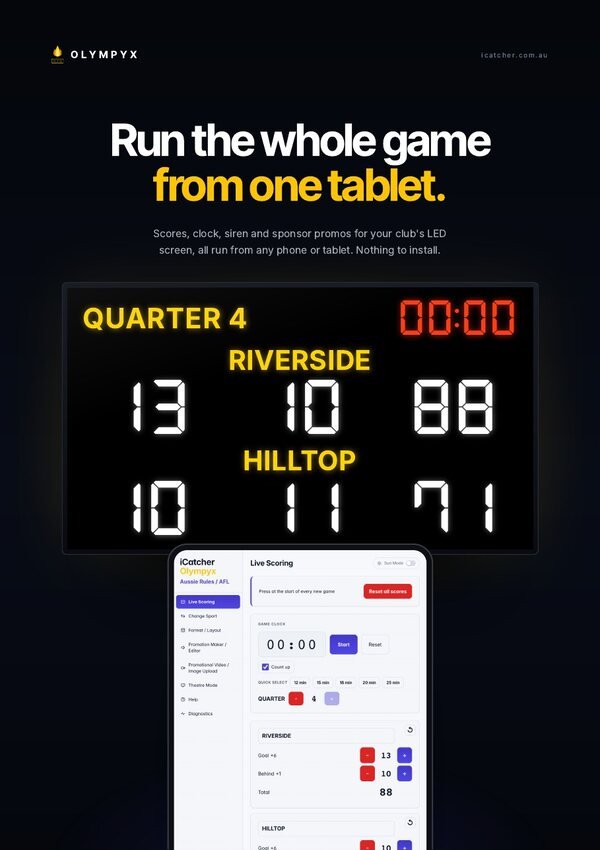
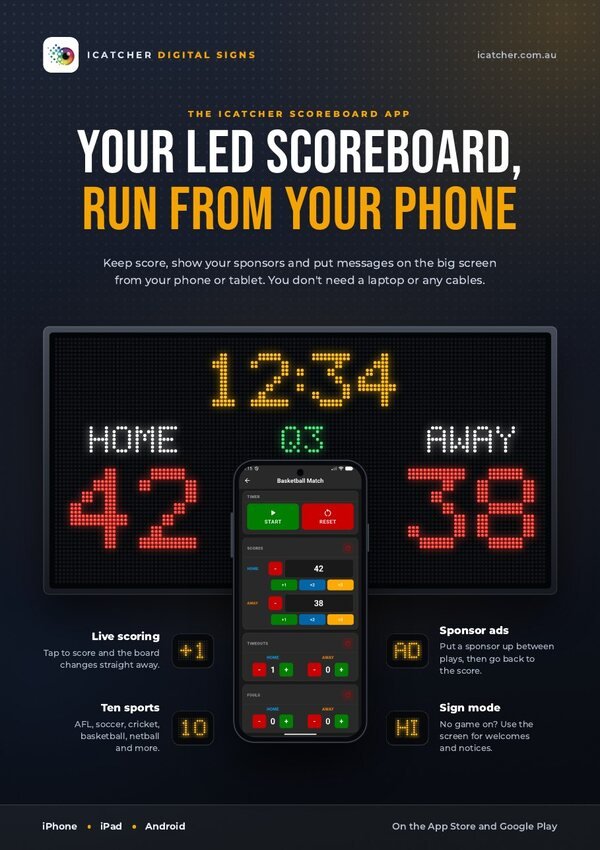
Everything our scoreboards, software and app can do, in a quick read you can share with your committee.
Advanced · 4 pages
Our advanced scoreboard software for big full-colour screens: automatic siren, team logos, quarter-by-quarter scores, video and sponsor playlists.
Basic · 2 pages
The budget-friendly option: keep score, run the clock and show your sponsors from your phone.
User guides
Simple guides for running your scoreboard and updating your sign, whichever software it uses.
User guide · 16 pages
Setup, live scoring, layouts and support for Olympyx-powered scoreboards, all in one place.
User guide · 13 pages
The simple guide to the iCatcher app on iPhone and Android: keep score, show sponsor ads or put a message on the screen.
Quick guide · 4 pages
Upload photos and videos through NovaStar’s VNNOX portal, build a playlist and publish it to your sign.
For signs with an HD-Player controller: upload, create a program, schedule it and send it from LED-Cloud.
Send new text, photos and video to your sign from your phone over the sign’s own Wi-Fi.
Plan your screen
See how sharp your sign will look before you buy. Pick a size and a pixel pitch. The resolution, pixel count and viewing distance are real numbers.
Each LED pixel is 10 mm from the next. Smaller numbers mean more pixels and a sharper picture up close.
Talk to our Welshpool team about hire, purchase or finance options for your next sign or scoreboard.
Head office: Unit 2/328 Orrong Road, Welshpool WA 6106 · (08) 9335 7944